Windows October 2026 Update: Record Fixes, a Live Zero-Day and What to Do
Microsoft's biggest Patch Tuesday ever fixes over 1,400 flaws, including one hackers are already using. Here's how to install KB5127648 and what 24H2 users must do now.
इस पोस्ट में7 sections
- The bug hackers are already using
- Why the count is 1,407 or 1,415, depending who you ask
- KB5127648 also fixes VPN drops and black screens
- Windows 11 24H2 end of support: Home and Pro users must upgrade
- How to check your version and install the update
- Still on Windows 10? You're affected too
- What to do today
On 13 October 2026, Microsoft released the Windows 11 October 2026 update. It's part of the company's biggest Patch Tuesday ever, with more than 1,400 security flaws fixed in one go. One of them, a Windows Shell bug, is already being used by attackers against Windows 10 and Windows 11 PCs. Updating today is the simplest way to stay safe, and if your PC runs Windows 11 version 24H2 Home or Pro, this is the last security fix it will get.
Here's what changed, how to check which version you have, and the three-minute routine to get protected.
The bug hackers are already using
The flaw to worry about is CVE-2026-96951, a security bypass in Windows Shell (the part of Windows that handles files, folders and the desktop). It lets attackers get around Mark of the Web, the hidden label Windows attaches to files downloaded from the internet. That label is what makes Windows warn you before you open a dodgy download, and it's what makes Office open email attachments in a locked-down mode.
Microsoft confirms the bug has been exploited in the wild. Tenable rates it 8.8 out of 10 for severity. It also points out that this is the third Windows Shell flaw attacked in the wild this year. The attack needs you to do something: open a booby-trapped file or click a link sent by email or chat. In other words, it targets ordinary people, not just companies.
Microsoft hasn't said who was attacked or how. CyberInsider reports that the advisory credits Fujitsu researchers Riku Bamba and Yuya Chudo, a researcher known as yhw, and Anthropic's Benoit Sevens, who used Claude to help find it.
A second flaw, CVE-2026-108398 in the .NET Framework, was made public before a fix existed. It was found by James Forshaw of Google Project Zero. Microsoft says nobody has attacked with it yet. BleepingComputer also counts a third publicly disclosed bug, in a developer library called MessagePack-CSharp, which it rates low risk.
Why the count is 1,407 or 1,415, depending who you ask
Everyone agrees this is a record month. The exact number depends on what each outlet counts. Ivanti and Tenable both say 1,407, BleepingComputer says 1,411, and CyberInsider says 1,413. The difference doesn't change anything you need to do.
BleepingComputer says the jump comes from Microsoft using AI tools more and more to find and fix bugs in its own products. Most of the fixes are for elevation of privilege flaws, where a program that's already on your PC gets more control than it should have.
KB5127648 also fixes VPN drops and black screens
For Windows 11 versions 24H2, 25H2 and 26H2, the update is called KB5127648. It takes your PC to build 26100.9711, 26200.9711 or 26300.9711, depending on your version. PCs running 26H1, a version that only ships on some new laptops, get KB5127646 instead. Microsoft's KB5127648 release notes list these everyday fixes as well:
- Always On VPN connections that stayed stuck on "Connecting" after an earlier update now work again.
- Black screen after sign-in fixed on shared and virtual PCs (Azure Virtual Desktop and FSLogix) where File Explorer crashed at startup.
- Mouse stutter in some games is fixed.
- Fingerprint sign-in that failed after a full shutdown and restart now works on affected PCs.
- Printing with RAW or Generic Text Only drivers, broken since the August update, works again.
- AC-3 audio playback is fixed in some apps.
BleepingComputer also lists some small extras: Emoji 17.0, single-finger scrolling on precision touchpads, and the option to remap the Copilot key to Right Ctrl. One problem remains. Microsoft says some older USB audio devices (USB Audio Class 1.0) may still have no sound or show a Code 10 error, and it's working on a fix.
Windows 11 24H2 end of support: Home and Pro users must upgrade
Microsoft confirms that the October 2026 update is the final monthly security update for Windows 11 version 24H2 Home and Pro. Your PC won't stop working, but it won't get security fixes from November's Patch Tuesday onward. With a live zero-day already out there, that matters.
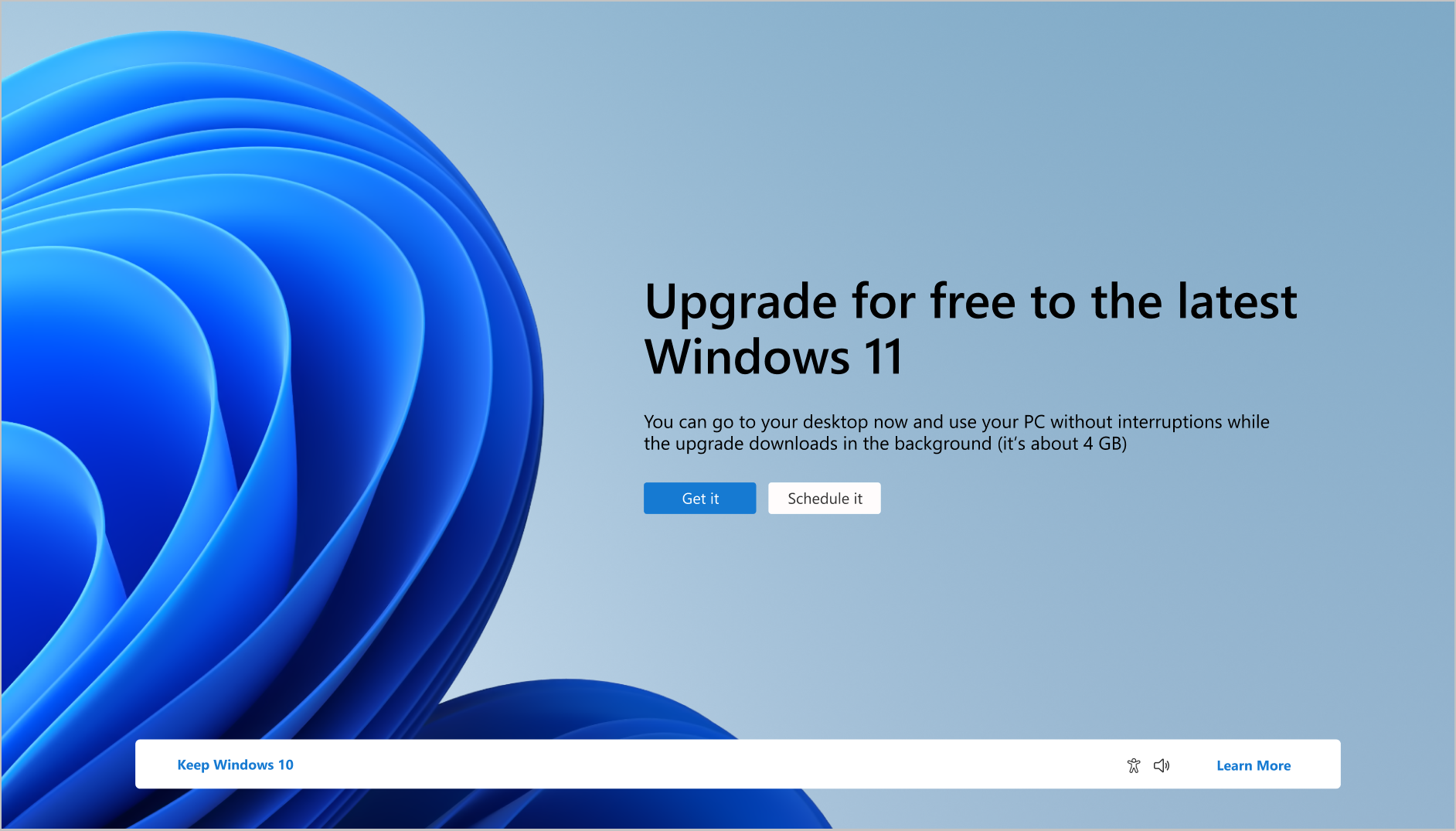
The fix is free: move to a newer version. According to Microsoft's Windows 11 release information page, Home and Pro support runs until 12 October 2027 for 25H2 and 10 October 2028 for 26H2, which came out on 29 September 2026. If your PC is offered 26H2, choose it, because it gives you the longest time before you have to do this again. Enterprise and Education editions of 24H2 get a longer support window, so office PCs managed by an IT team can follow their own schedule.
How to check your version and install the update
- Press Windows + R, type winver and press Enter. The box shows your version (for example 24H2 or 25H2) and build number.
- any open work and back up anything important. The update needs a restart. की बचत
- Open Settings > Windows Update and click Check for updates, then Download & install all.
- Restart when asked. Run winver again: on Windows 11 the build should end in .9711.
- If you're on 24H2 Home or Pro, go back to Windows Update and look for the feature update to version 25H2 or 26H2. Install it, then check for updates once more.
Still on Windows 10? You're affected too
The Shell zero-day also hits Windows 10. The October fix for Windows 10 versions 22H2 and 21H2 is KB5126657 (builds 19045.7807 and 19044.7807), which goes to PCs signed up for Extended Security Updates (ESU), Microsoft's paid or sign-up programme for getting fixes after Windows 10 support ended. Ivanti notes that the consumer ESU programme now runs until 12 October 2027. If your Windows 10 PC isn't enrolled, it isn't getting this fix. Signing up for ESU or moving to Windows 11 is now urgent.
What to do today
Install the update before you open any more email attachments or downloads from people you don't know. If you're on 24H2 Home or Pro, set aside 30 minutes this week for the feature update so you're covered when November's patches arrive. The next Patch Tuesday is on the second Tuesday of November. If you want to tighten up the rest of your digital life while you're at it, our 60-Minute Privacy & Security Reset takes you through it step by step.
स्रोत
- Microsoft Support: October 13, 2026 — KB5127648 (OS Builds 26300.9711, 26200.9711, 26100.9711)
- Microsoft Support: October 13, 2026 — KB5126657 (OS Builds 19045.7807 and 19044.7807)
- Microsoft Learn: Windows 11 release information
- BleepingComputer: Windows 11 KB5127648 and KB5126653 cumulative updates released
- BleepingComputer: Microsoft October 2026 Patch Tuesday fixes 1,411 flaws, 3 zero-days
- Ivanti: October 2026 Patch Tuesday
- Tenable: Microsoft's October 2026 Patch Tuesday addresses 1,407 CVEs
- CyberInsider: Windows 11 October updates fix zero-day, VPN failures and black screens
काम का लगा? इसे उस व्यक्ति को भेजें जिसे यह पढ़ना चाहिए।


