iPhone battery tips that work in India, and 3 myths to drop
Your iPhone dying by 6pm is usually fixable in a few minutes of settings. Here is what Apple says actually helps, and three charging myths you can stop believing.

इस पोस्ट में11 sections
- The screen is your biggest battery drain
- Turn on Low Power Mode early, not at 20%
- Find out which app is really eating your battery
- Rein in background activity and location
- Indian heat is harder on your battery than you think
- 3 iPhone battery myths to stop believing
- Myth 1: Closing apps saves battery
- Myth 2: You should drain to 0% before charging
- Myth 3: Charging overnight ruins the battery
- Check Battery Health before you buy a new phone
- What to do tonight
If your iPhone is gasping at 15% by evening, the fix is usually a handful of settings, not a new phone. We checked these iPhone battery tips against Apple's own battery guidance so you only spend time on things that actually work, and we'll clear up three myths that waste your effort.
All of this takes about ten minutes, and none of it costs anything.
The screen is your biggest battery drain
Apple says plainly that dimming the screen extends battery life. Turn on Auto-Brightness (Settings > Accessibility > Display & Text Size) so the phone adjusts to the light around you, then drag brightness down a notch from Control Centre whenever you're indoors.
Next, shorten Auto-Lock in Settings > Display & Brightness. Thirty seconds or one minute means the screen isn't glowing in your pocket after you've stopped looking at it.
If your iPhone has an Always On display, the dimmed lock screen that stays visible, try switching it off in the same Display & Brightness menu. It's lovely to look at, but turning it off is an easy win on a long day.
Turn on Low Power Mode early, not at 20%
Your iPhone offers Low Power Mode when you hit 20%. According to Apple, it lowers brightness, tunes performance and cuts back animations, and Mail stops fetching in the background. Calls, messages and internet keep working normally.
The trick is to switch it on earlier. If you know it's a long day of travel or meetings, turn it on at 60% from Control Centre or Settings > Battery. Saving power at noon helps far more than panicking at 8pm.
Find out which app is really eating your battery
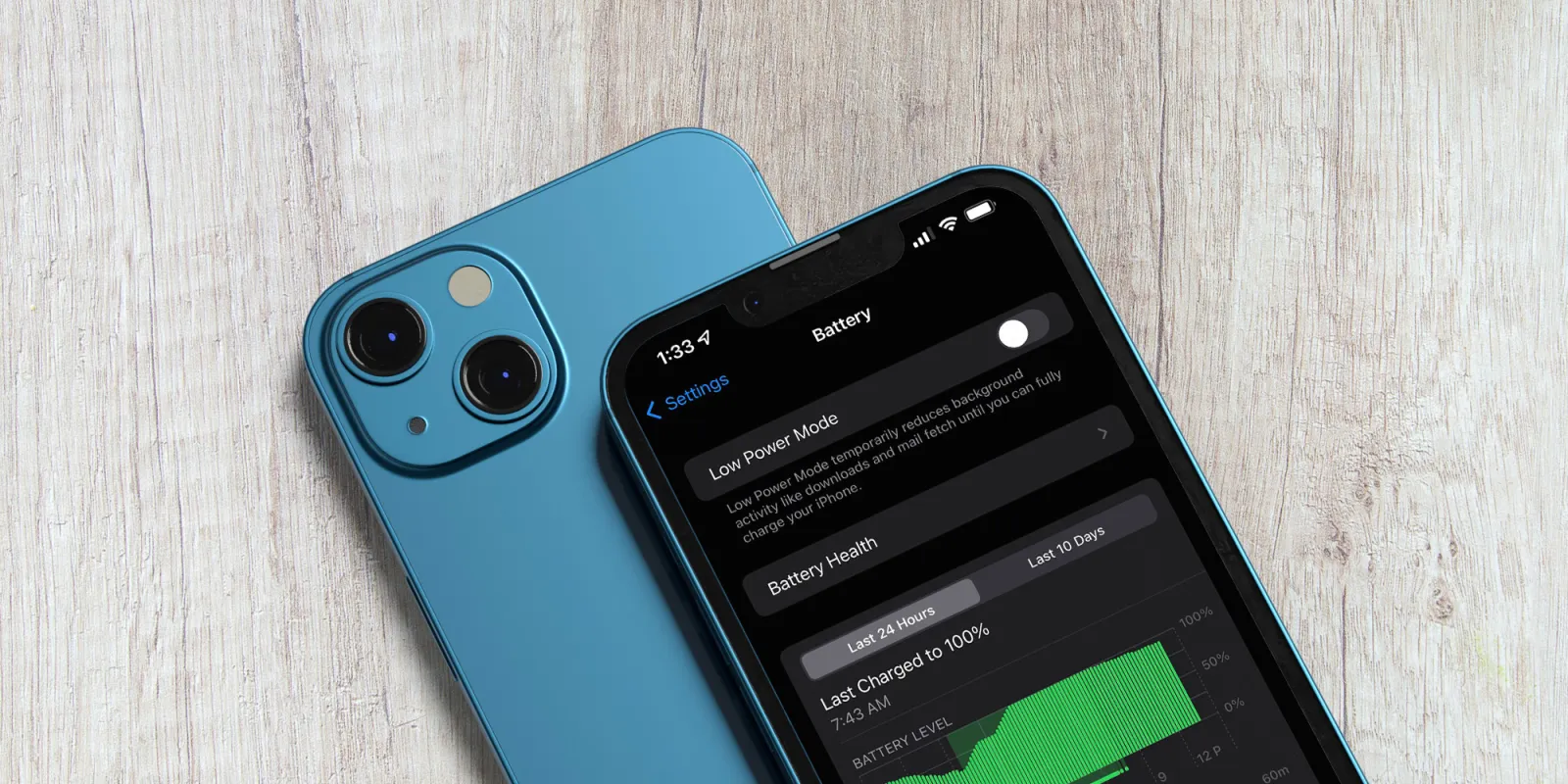
Go to Settings > Battery and scroll down. You'll see which apps used the most power over the last day or ten days, including how much of that was in the background. Very often it's one app, a social feed, a game or a navigation app, doing most of the damage.
Rein in background activity and location
Once you know the culprits, cut what they do when you're not using them:
- Background App Refresh: Settings > General > Background App Refresh. Switch it off for apps that don't need fresh content the moment you open them, like shopping or food delivery apps.
- Location: Settings > Privacy & Security > Location Services. Set most apps to 'While Using' or 'Never'. Apple notes that location tracking has a big effect on battery.
- Keep 'Always' location only for things that genuinely need it, such as Find My.
Indian heat is harder on your battery than you think
Apple warns against using your iPhone in temperatures above 35°C, saying that after heat damage the battery won't last as long on a charge. That's a normal afternoon in much of India. Don't leave the phone on a car dashboard, take thick cases off while charging if the phone gets hot, and avoid gaming while it's plugged in.
3 iPhone battery myths to stop believing
Myth 1: Closing apps saves battery
It doesn't. Apple's support page says you should close an app "only if it's unresponsive", and that closing all your apps does not affect overall performance. Apps in the switcher are mostly paused. Force-closing them means they have to load from scratch next time, which can use more power, not less.
Myth 2: You should drain to 0% before charging
This is a leftover from old nickel batteries. Apple says you can charge your lithium-ion battery "whenever you want" and there's no need to run it flat first. Battery wear is counted in charge cycles: using 75% one day and 25% the next adds up to one cycle, however you split it. Topping up at lunch is perfectly fine.
Myth 3: Charging overnight ruins the battery
Your iPhone already handles this. Optimised Battery Charging learns your routine and, when it expects you'll stay plugged in for a long time, holds the charge at 80% and finishes to 100% just before you usually unplug. Apple says the aim is to reduce the time the battery spends sitting fully charged. Make sure it's on in Settings > Battery > Charging.
Check Battery Health before you buy a new phone
All batteries age chemically and hold less charge over time. Open Settings > Battery > Battery Health to see your Maximum Capacity. Apple treats a battery as worn once it falls below 80%, and if you have AppleCare+, it will replace it at no extra charge at that point.
Without AppleCare+, a replacement still costs a fraction of a new iPhone. Apple raised the out-of-warranty battery fee in India to ₹13,900 for the iPhone 18 Pro and Pro Max, while the iPhone 17 Pro costs ₹12,900, reported The Hans India on 19 September 2026. Older models cost less. Tax is extra, so get the exact figure for your model from Apple India's battery replacement page or an authorised service centre.
What to do tonight
Open Settings > Battery, find your top two power-hungry apps and limit their background refresh and location. Shorten Auto-Lock, check that Optimised Battery Charging is on, and note your Battery Health number. If it's above 80% and you're still struggling, these settings should help. If it's well below, book a battery swap before you even think about upgrading.
Want more hidden iPhone settings like these? Our iPhone Power User Guide collects them in one place.
स्रोत
- Apple: Batteries – Maximizing Performance
- Apple Support: About Optimized Battery Charging and iPhone battery health
- Apple Support: Close an app on iPhone
- Apple India: Why Lithium-ion
- Apple Support India: iPhone Battery Replacement
- The Hans India: iPhone 18 Pro battery replacement cost in India rises to Rs 13,900
काम का लगा? इसे उस व्यक्ति को भेजें जिसे यह पढ़ना चाहिए।


