ArtCraft's Free Adobe Clones: What They Are and Whether They Work
PhotoCraft looks almost exactly like Photoshop and costs nothing. Early testers say it is still buggy alpha software, so GIMP and Photopea remain the safer picks for now.
In this post6 sections
Developer Brandon Thomas has released ArtCraft, a set of free, open-source apps that copy Adobe's best-known software, and he says he wrote them with Anthropic's Claude Opus 5.5. The most popular one, PhotoCraft, is pitched as a free Photoshop alternative that looks almost identical to the real thing. If you pay for Creative Cloud every month or live with GIMP's quirks, this sounds like a dream. Right now it isn't one.
A note on how we judged it: we have not run a full review on our own machines yet. The verdict below draws on the project's own documentation and on published hands-on tests by OMG! Ubuntu and developer David Fekke.
Seven Adobe lookalikes, all free and open source
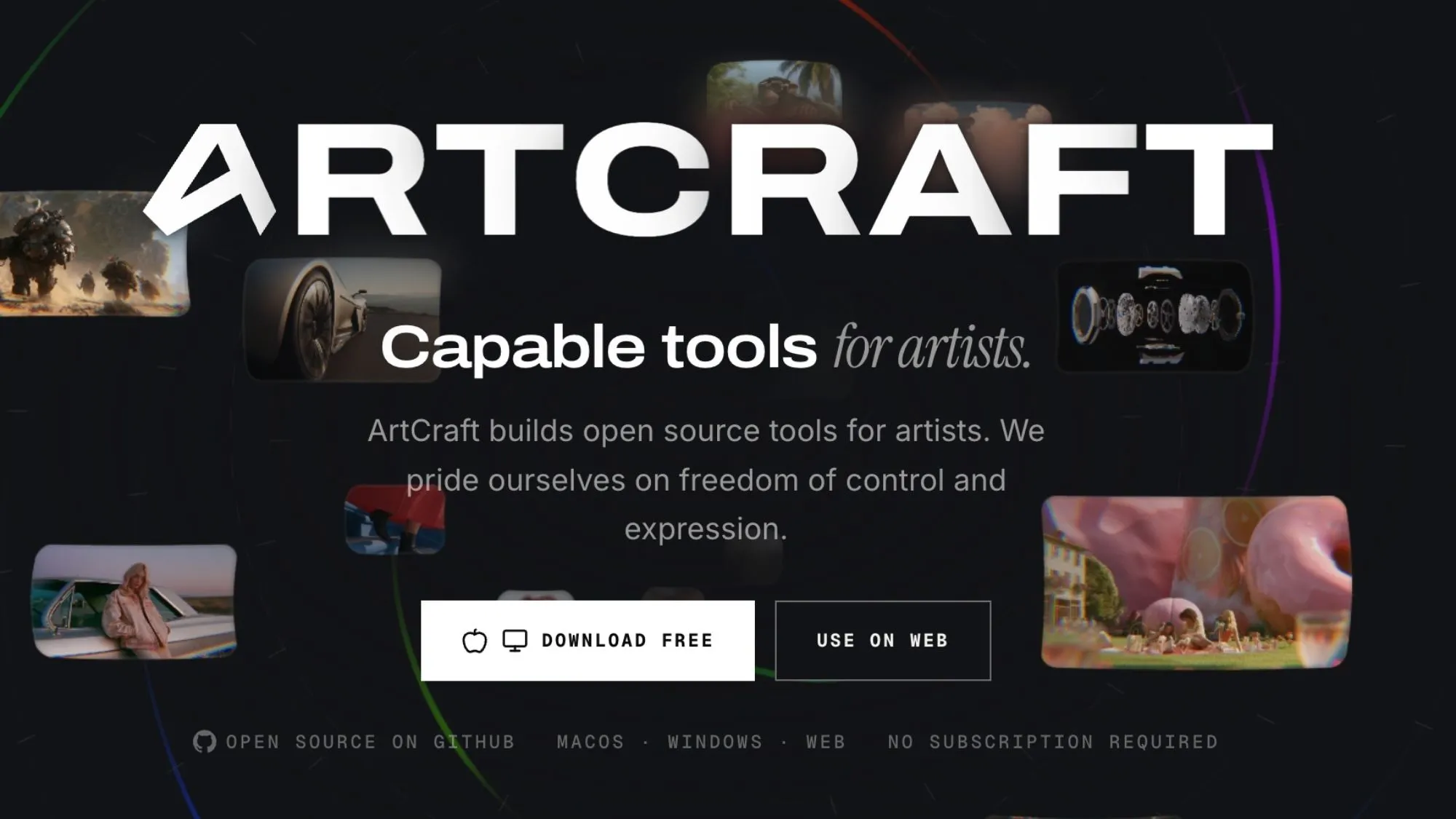
ArtCraft started in 2025 as an AI image and video tool. In October 2026 it added a suite of what it calls Craft apps, each one modelled on an Adobe product. According to CineD, the seven main apps are:
- PhotoCraft: Photoshop
- VectorCraft: Illustrator
- FilmCraft: Premiere Pro
- LightCraft: Lightroom
- EffectCraft: After Effects
- DesignCraft: InDesign
- PdfCraft: Acrobat Pro (Thomas called it PrintCraft in his first announcement)
All seven are written in Rust, a programming language known for speed and safety. They are dual-licensed under MIT or Apache-2.0, which means anyone can use, change and share the code. Thomas calls them "clean-room" rebuilds, meaning he says they contain no Adobe code. That is his claim, and it has not been tested in court.
His reason for building them is personal. Thomas told reporters he kept getting hit by Adobe's cancellation fee, which he described as a dark pattern. The apps are free, and Tbreak reports that development will be paid for by selling token-based access to ArtCraft's own AI image model.
PhotoCraft has a long feature list and a big alpha label
The official PhotoCraft page lists version 0.7.0 as "Early alpha". It offers installers for Windows, macOS and Linux, plus a web build you host yourself. The GitHub README admits it is "not yet a Photoshop replacement for daily professional work."
On paper, the feature list is long:
- 67 tools, a brush engine, and filters with live preview
- 16 adjustment layers, including Curves and Levels, plus 27 blend modes
- Layers, masks, smart objects, layer styles, live type and pen paths
- RGB, Grayscale, CMYK and Lab colour at 8, 16 and 32 bits per channel
- PSD and PSB files: the official page says 134 of 135 real-world test files round-trip byte for byte
The README also lists what is missing. There are no AI or generative editing features yet, 15 tools are still to come, and Photoshop plug-ins do not work. JPEG XL is not supported.
What hands-on testers found
Joey Sneddon at OMG! Ubuntu tested an older build, v0.3.0, on a weak Chuwi laptop with an Intel m3-8100y chip. He found it started very quickly and stayed responsive, and he said it looks more like Photoshop than any GIMP reskin he had covered. The catch: memory use grew to about 5GB a few minutes after he opened a PSD. Tools also share Photoshop's names but not always its results. In his words, the clones "can't replicate the exact same output."
David Fekke, a longtime Photoshop user, tested it on 11 October. Levels and Curves handled basic colour correction the way Photoshop does, and the menus felt almost identical. But paths and selections were weaker. One bug also made a drop-shadow layer fill the whole canvas instead of hugging the object. His verdict was that it is unusable for professional work for now, and he is keeping his Creative Cloud subscription.
Thomas himself has scaled back his claims. CineD reports that he first promised "100% parity within a month". After Hacker News commenters listed missing features, he changed that to 99% parity in "months and not years".
Free Photoshop alternative face-off: PhotoCraft vs GIMP vs Photopea
PhotoCraft is not the first free option, so here is how it compares with the two established ones:
- PhotoCraft: free, open source, installs on Windows, Mac and Linux. Its layout is the closest to Photoshop's, so muscle memory carries over. But it is weeks old, buggy and changing fast.
- GIMP: free, open source and mature. GIMP 3.2 came out on 14 March 2026 and added non-destructive link layers, vector layers and early PSB export. It is stable, but its interface works differently from Photoshop's.
- Photopea: runs in your browser with nothing to install and opens PSD files. Ivan Kutskir has developed it since 2013. It is free with ads, and a paid plan removes them, according to Wikipedia.
Our take: for a quick PSD edit on a college laptop or office PC, Photopea is still the easiest choice. For dependable free desktop editing, GIMP 3.2 is the safer bet. PhotoCraft is worth installing next to one of them if you are a Photoshop refugee curious about where this is heading. Don't rely on it alone yet.
Know the risks before you install
There is a legal question too. Tbreak notes possible "trade dress" claims, which can arise when an app copies another product's look too closely. Adobe had not commented as of that report. VICE summed up the current state with a blunt "sort of" when asking whether the apps work.
What to watch next
PhotoCraft went from v0.3.0 in Sneddon's test to v0.7.0 on the official page within a few weeks, so it is changing fast. Before you trust it with real work, watch three things: whether the selection and paths bugs get fixed, whether memory use comes down, and whether Adobe responds legally. If you want to try it, open a copy of an old PSD and see how it feels. Keep GIMP or Photopea around for anything with a deadline.
Sources
- PhotoCraft official page (ArtCraft)
- PhotoCraft on GitHub (storytold/photocraft)
- ArtCraft on GitHub (storytold)
- GIMP 3.2 Released (gimp.org)
- VICE: Everything we know about the free Adobe clones built with AI
- Tbreak: ArtCraft free open-source Adobe alternatives
- CineD: ArtCraft releases free open-source Adobe alternatives
- OMG! Ubuntu: PhotoCraft is an open-source, AI-built clone of Photoshop
- David Fekke: Is PhotoCraft by ArtCraft a Photoshop killer?
- Photopea (Wikipedia)
Found this useful? Send it to someone who should read it.