Apple Pay Is Live in India: How to Set It Up and Which Cards Work
Apple Pay launched in India on 30 September with Axis Bank Visa and Mastercard credit cards. Here is how to set it up, where it works, and why UPI and RuPay are missing.
In this post10 sections
- Apple Pay India supported banks: only Axis Bank so far
- Which iPhones and Apple Watches work
- How to set up Apple Pay in India, step by step
- Option 1: from the Wallet app
- Option 2: from the Axis Bank app
- Adding the card to your Apple Watch
- How to use Apple Pay in shops and apps
- The UPI question: why Apple Pay can't replace GPay or PhonePe
- Is it safe? What Apple says about your card details
- What to watch next
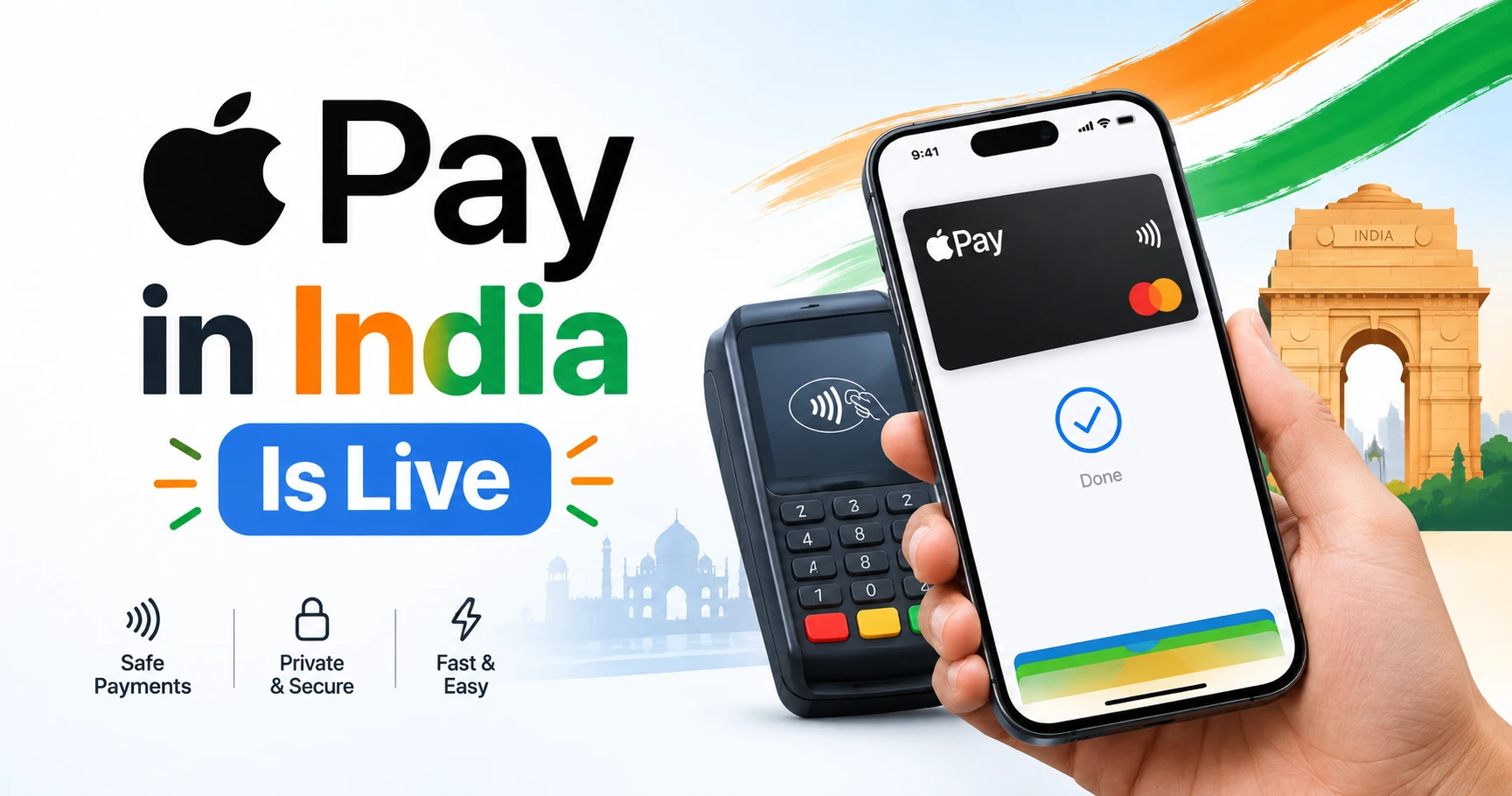
Apple Pay launched in India on 30 September 2026, and for now it works with just one bank: Axis Bank Visa and Mastercard credit cards. If you have one of those cards and an iPhone XR or newer, you can tap your phone or Apple Watch to pay in shops and check out in apps like Zomato and Blinkit without typing card details. Everyone else is waiting, and UPI users should know up front that Apple Pay is not a UPI app.
We'll keep this page updated as more banks join. Here's what works today, how to set it up, and what's still missing.
Apple Pay India supported banks: only Axis Bank so far
Apple's own list of participating banks shows one entry for India. Here's where things stand as of 5 October 2026:
- Axis Bank credit cards on Visa or Mastercard: supported
- Axis Bank debit cards: not supported at launch
- RuPay cards (any bank): not supported
- American Express: not part of the launch
- HDFC Bank, ICICI Bank, SBI Card: not supported yet, no date announced
- UPI: not supported
TechCrunch reported, citing sources, that HDFC, ICICI and SBI Card are holding back while talks over commercial terms continue. The sticking point is reportedly Apple's fee: TechCrunch says Apple wants about 0.2% per transaction, out of a total payments margin of roughly 0.4% to 0.5%. Apple and the banks have not confirmed these numbers.
Which iPhones and Apple Watches work
According to Apple's announcement, you need:
- iPhone XR or later running iOS 18 or later
- Apple Watch Series 6 or later running watchOS 11 or later, paired with a compatible iPhone
- iPad, for paying in apps and on websites
- Mac: Apple says support is "coming soon" but has not given a date
How to set up Apple Pay in India, step by step
There are two ways to add your card. Both end up in the same place: Apple's Wallet app.
Option 1: from the Wallet app
- Update your iPhone to iOS 18 or later (Settings > General > Software Update).
- Open the Wallet app and tap the plus (+) button in the top corner.
- Choose to add a debit or credit card, then scan your Axis Bank credit card with the camera or type in the details.
- Accept the terms and complete the verification step from Axis Bank.
- Once the card shows as active, you're ready to pay.
Option 2: from the Axis Bank app
Update the Axis Bank app to the latest version, open your credit card section and look for the option to add the card to Apple Wallet. Apple confirms this route works. Do it at home, before you're standing at a billing counter.
Adding the card to your Apple Watch
Open the Watch app on your iPhone, go to Wallet & Apple Pay, tap Add Card and follow the prompts. The watch keeps its own copy of the card, so you need to add it separately even if it's already on your phone.
How to use Apple Pay in shops and apps
In a shop: double-click the side button (or the Home button on older iPhones), confirm with Face ID, Touch ID or your passcode, and hold the top of your phone near the card machine. It only works at contactless terminals, the ones with the wave symbol, and the shop's payment provider needs to have turned on Apple Pay. So not every tap-to-pay machine will accept it on day one.
On Apple Watch: double-click the side button and hold the watch face near the reader.
In apps and on websites: choose Apple Pay at checkout and confirm with Face ID or Touch ID. Apple says you won't need to type a PIN or OTP at checkout, and you still get your card's usual rewards.
Apple names Apple Store locations, Zomato, Blinkit, Croma, Tata 1mg, Ixigo, Reliance brands, Chaayos, Interflora and Comet among the places that accept it. Payment companies including Razorpay, Paytm, PayU, Pine Labs, Cashfree, Juspay, BillDesk and Mswipe support it too, so many more online stores that use these providers should show it at checkout.
The UPI question: why Apple Pay can't replace GPay or PhonePe
This is the big one for Indian users. Apple Pay is a card-based system, not UPI. It stores a digital version of your credit card and pays the same way a contactless card does. It can't scan UPI QR codes, and it can't send money from your bank account to a shopkeeper or friend.
That matters because UPI is how India pays. MacRumors puts UPI's share of India's digital transaction volume at around 84%. For the kirana store, the chai stall or splitting a bill, you'll keep using Google Pay, PhonePe, Paytm or BHIM on your iPhone as you do now.
RuPay is missing as well. That leaves out RuPay credit cards, which many people use for UPI payments, along with most debit cards issued in India. Apple hasn't said whether RuPay or UPI support is planned.
Where Apple Pay does help is with credit card spending: tapping instead of handing over your card at a mall or restaurant, and skipping the OTP screen when you order food or groceries.
Is it safe? What Apple says about your card details
Apple says your actual card number is never stored on your phone or on Apple's servers, and shops don't see it either. Instead, your device gets a separate encrypted number, and each payment uses a one-time security code. Apple also says it doesn't keep transaction data that can be tied back to you.
If you want to get more out of the phone you already own, our iPhone Power User Guide covers Wallet and other features most people never set up.
What to watch next
If you have an Axis Bank Visa or Mastercard credit card, set it up now. It takes about two minutes, and Zomato or Blinkit is a quick, low-stakes place to try it first. If you bank with HDFC, ICICI or SBI Card, keep an eye on your bank's app and on this page. Reports in February said Apple had held talks with HDFC and ICICI, but none of them have announced a date. We'll update the supported banks list here as soon as another bank goes live.
Sources
- Apple Pay launches in India - Apple Newsroom (IN)
- Apple Pay participating banks - Apple Support
- Apple Pay finally launches in India after years on the sidelines - TechCrunch
- Apple Pay Now Available in India With Axis Bank Cards - MacRumors
- Apple Pay launches in India: The Axis Bank cards, older iPhones and setup steps - Business Today
Found this useful? Send it to someone who should read it.


